Wi-Fi, without the wait.
Network details and a copyable password, right where guests need them.
GET CONNECTEDFrom “What’s the Wi-Fi?” to “Where should we eat?” — everything your guests need, beautifully in one place.
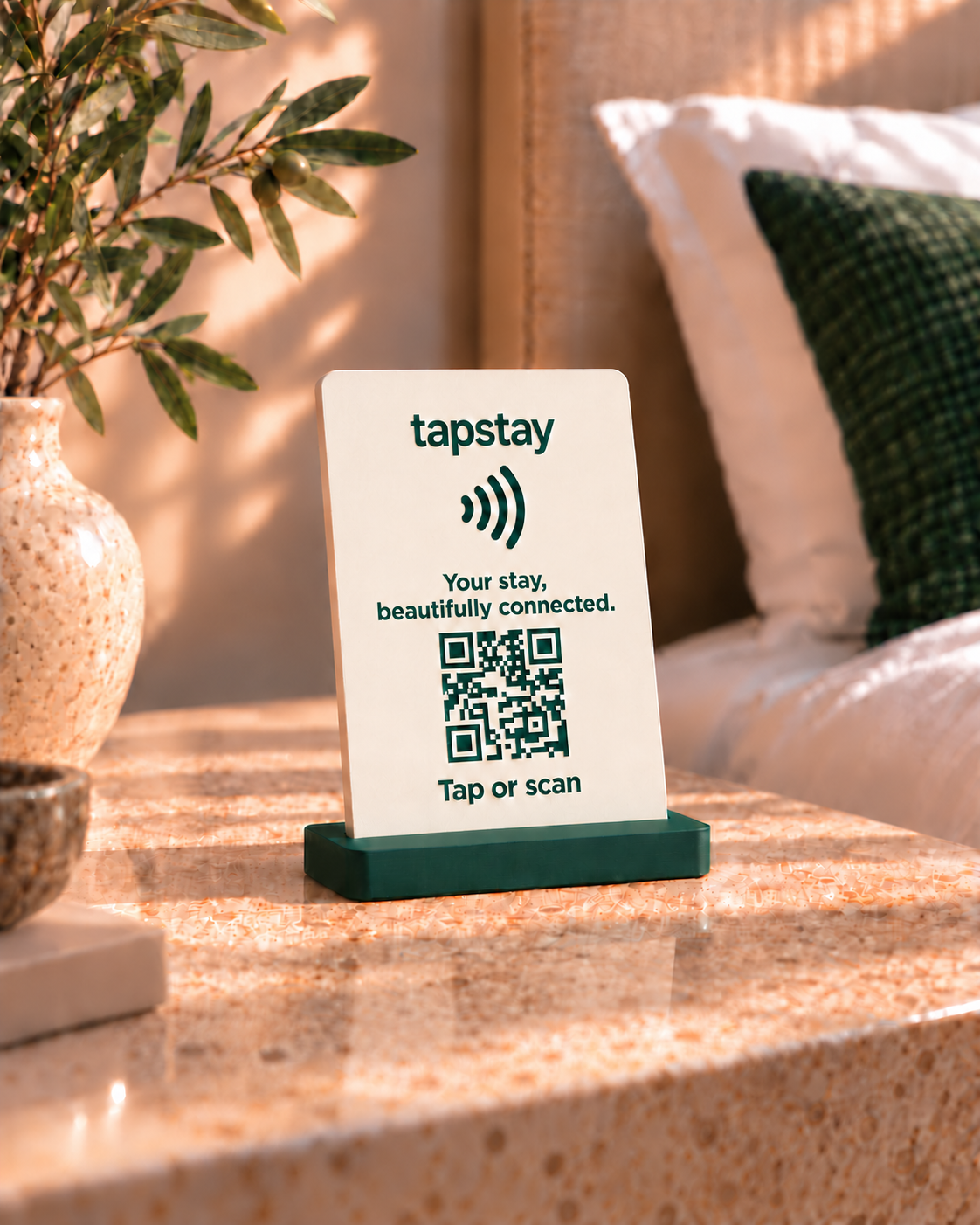
Made for the bedside.
Designed for the whole stay.
Give guests an easy way to find their feet. Your tapstay guide brings the essentials together in a simple, app-like experience.
Network details and a copyable password, right where guests need them.
GET CONNECTEDCheck-out times, pool hours, house rules and the useful little things.
FEEL AT HOMEBreakfast, light bites and drinks, with menus you can keep up to date.
BROWSE THE MENUShare the coffee stops, walks and hidden gems that make a visit special.
GO A LITTLE FURTHERA physical touchpoint.
A digital welcome.
Add your property name, welcome message, room details and the information that matters to your guests.
Place the Slim tabletop stand on a desk, bedside table or counter, or choose the Wall-mounted plate — the same slim design without the green base. Guests tap the NFC tag or scan the QR code to open their guide.
Changed the Wi-Fi password or added a breakfast special? Update your guide without reprinting the room information.
Keep control of your guest information from one simple dashboard. Add something new, edit the details, or hide what’s not available.
No. The guest guide opens in their phone’s web browser. A compatible phone can read the NFC tag, and a QR code provides another way to open the same guide.
The stand opens the guest guide, where guests can view the network name and copy its password. They then join the network through their phone’s Wi-Fi settings. The guide needs an internet connection to load.
Yes. Edit your information in the host workspace, save a draft and publish when you are ready. Guests will see the published changes when they open or refresh their guide. The NFC tag and QR code keep the same destination link.
Yes. Use one shared property link, or create dedicated room links for NFC tags and QR codes. Rooms use your property guide, with room-specific details where you choose to add them.
Yes. Choose a property from your workspace to manage its own guide, rooms and guest information. Your account can access the properties you own or have been invited to manage. Subscription access is managed per property.
Yes. Import suggestions from your property website, upload a PDF menu or guide, or upload clear JPG/PNG photos of guest information. Review and edit the suggestions before saving. Some content may be missed or misread, so check details such as prices, times and rules. You can always enter information manually.
No. Save your edits as a draft, preview the saved draft, then publish when you are ready. Saving a draft does not change the guide guests see. AI assistant knowledge also needs to be reviewed and published before guests use it.
If you enable it, the assistant can answer questions using your published guest guide and approved extra knowledge or FAQs. It can help guests find useful sections such as Wi-Fi and dining, and direct them to contact the host when needed. AI can make mistakes; it cannot approve requests or change bookings.
Discover what a tapstay welcome could feel like.
Step into the guest experience ↗TapStay™ is a trade mark of TAPCO TECHNOLOGIES (PTY) LTD. Trade mark application pending.